FLAYSH Card
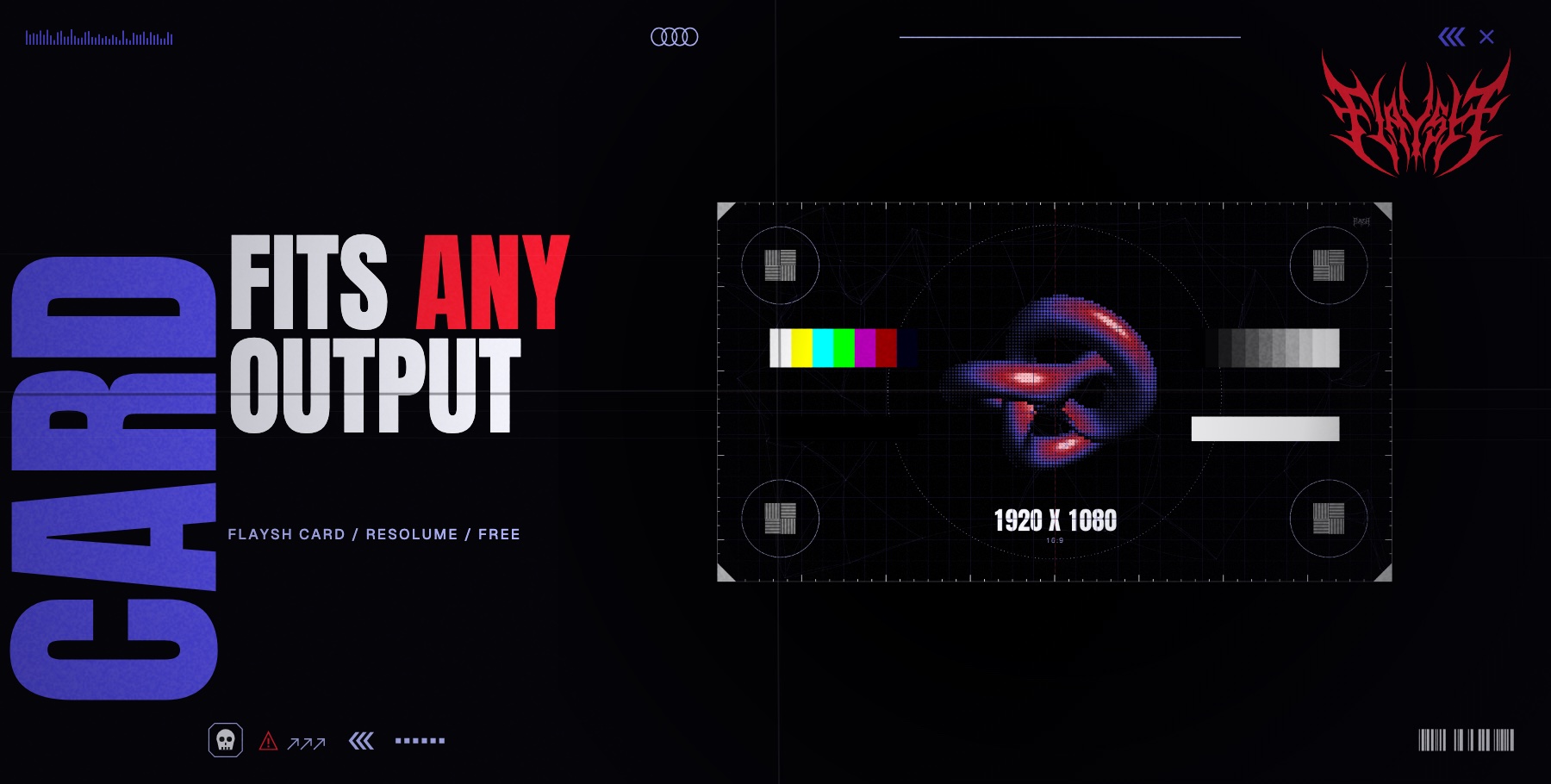
A test card that fits any output. Drop it on a layer: it prints the real size, spins a live 3D subject (or your logo in 3D) and moves with the BPM.
Preview
How it works
Drop it, check it
Install
Put FLAYSH Card in Resolume Wire's Patches folder and restart Arena or Avenue.
Drop in
It sits in your Sources. Drag it onto a layer at 100%, Normal blend, no effects.
Check
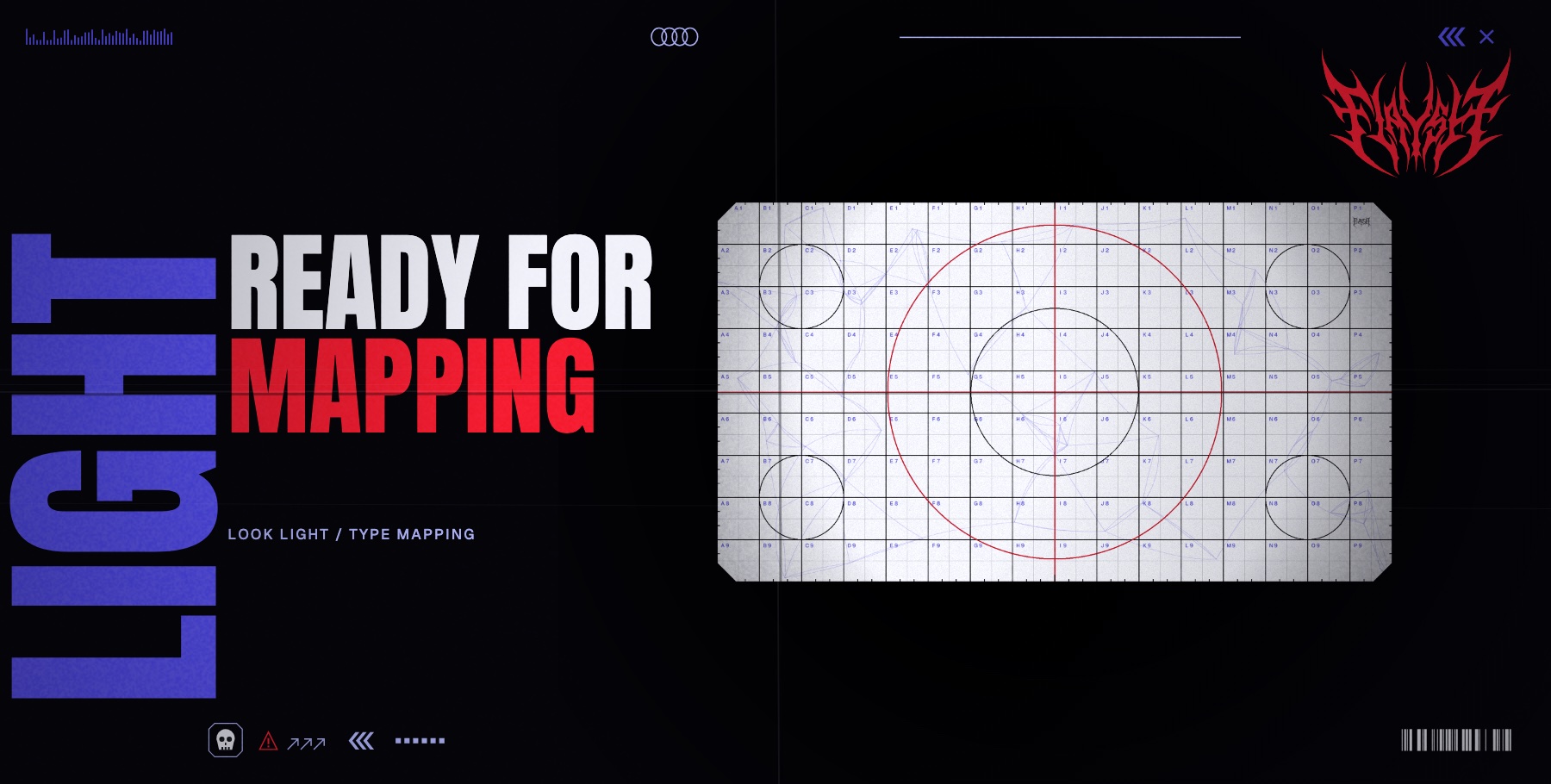
Pick a type: Full, LED fit, Mapping, Colour, Standby for when the doors open, or White for mapping photos.
Six types, your look
Make it yours
WhiteSolid white for projection-mapping photos, at a White level you set: 100% by default, turn it down if the camera clips.
LookDark or Light, on every type. The test patches stay exact.
3D subjectKnot (the default), Tunnel, Blob, Rings, Cubes, Gyroid, Your logo or None. Your logo turns your PNG into a 3D cut-out; until you load one, it shows the FLAYSH mark. 3D size 50 to 150%, never cut. Spin speed 0 to 200%, 0 holds it still.
ColourYour text and your accent colour, on Palette FLAYSH violet or Neutral grey.
FXBeat pulse, scan, glitch and grain, all on.
TipChanged the composition size? Reset the clip's Width and Height, or drop a fresh Card on.
The small print
- Free
- Mac and Windows
- Resolume Arena or Avenue 7
- Your logo in 3D, your text, your show colour