FLAYSH Sync 2.0
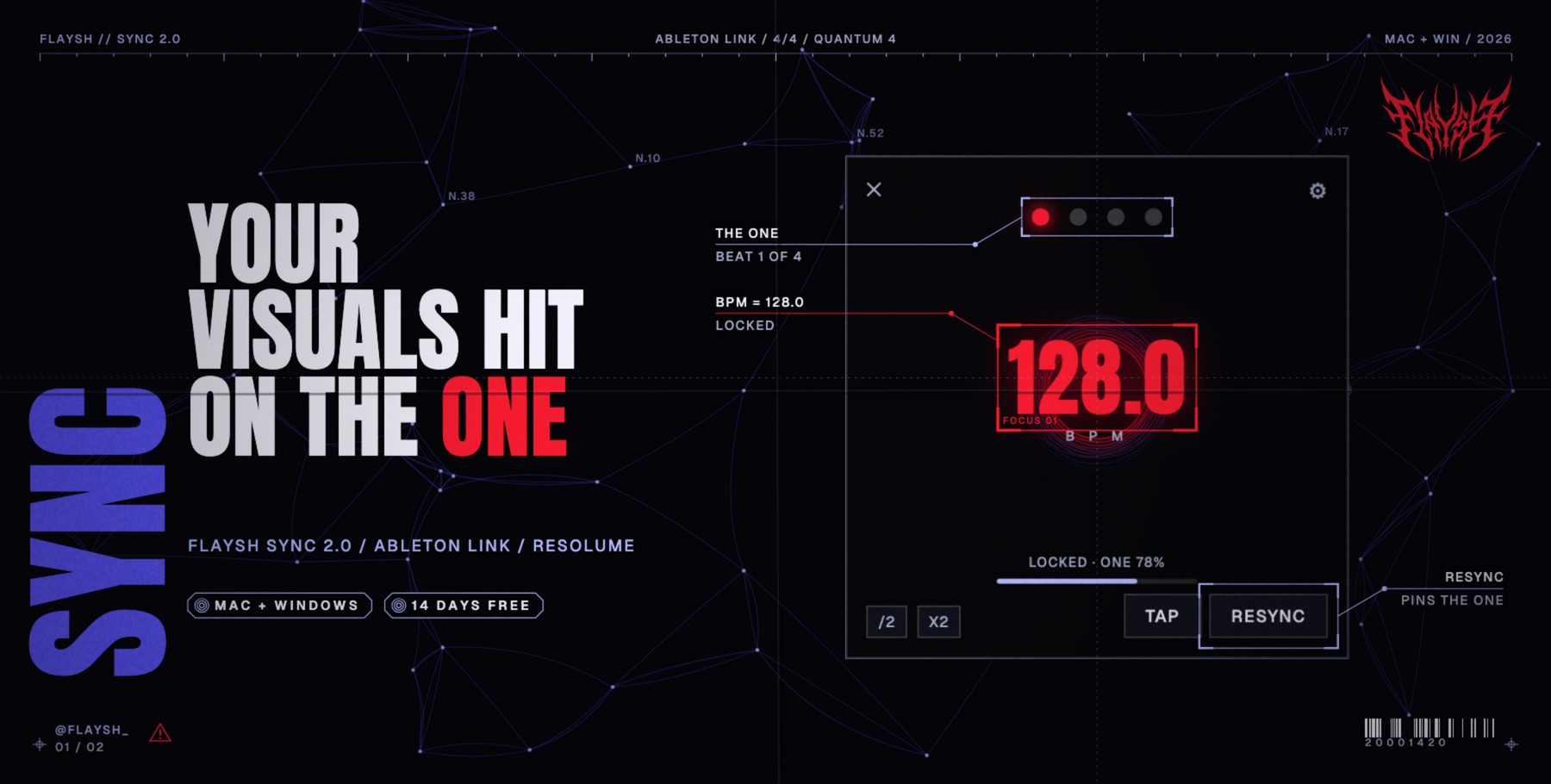
Listens to the room, holds the tempo, finds the one and sends it to Ableton Link. Resolume follows.
Try it free for 14 days. Link needs a key after that.
New in 2.0
A new engine
95%
of the time on tempo, within 0.5%
1.x: 61%
4 of 5
bars with the one found by itself
1.x: almost never
30 ms
Link stays this close to the beat, through a 10 minute blend
Measured on FLAYSH's own sets
Any window size
Fits in a corner
Drag it down to 150 px and park it next to Arena. Every button stays big enough to hit. Shown here at real size.
Watch
How it works
Hear it, lock it, send it
Listen
Any audio in: the mixer's booth out, an interface or a mic.
Lock
Holds the tempo through breakdowns and blends, and finds the one.
Send
Tempo and bar phase over Ableton Link. Resolume, and anything else on Link, follows.
Download
First open
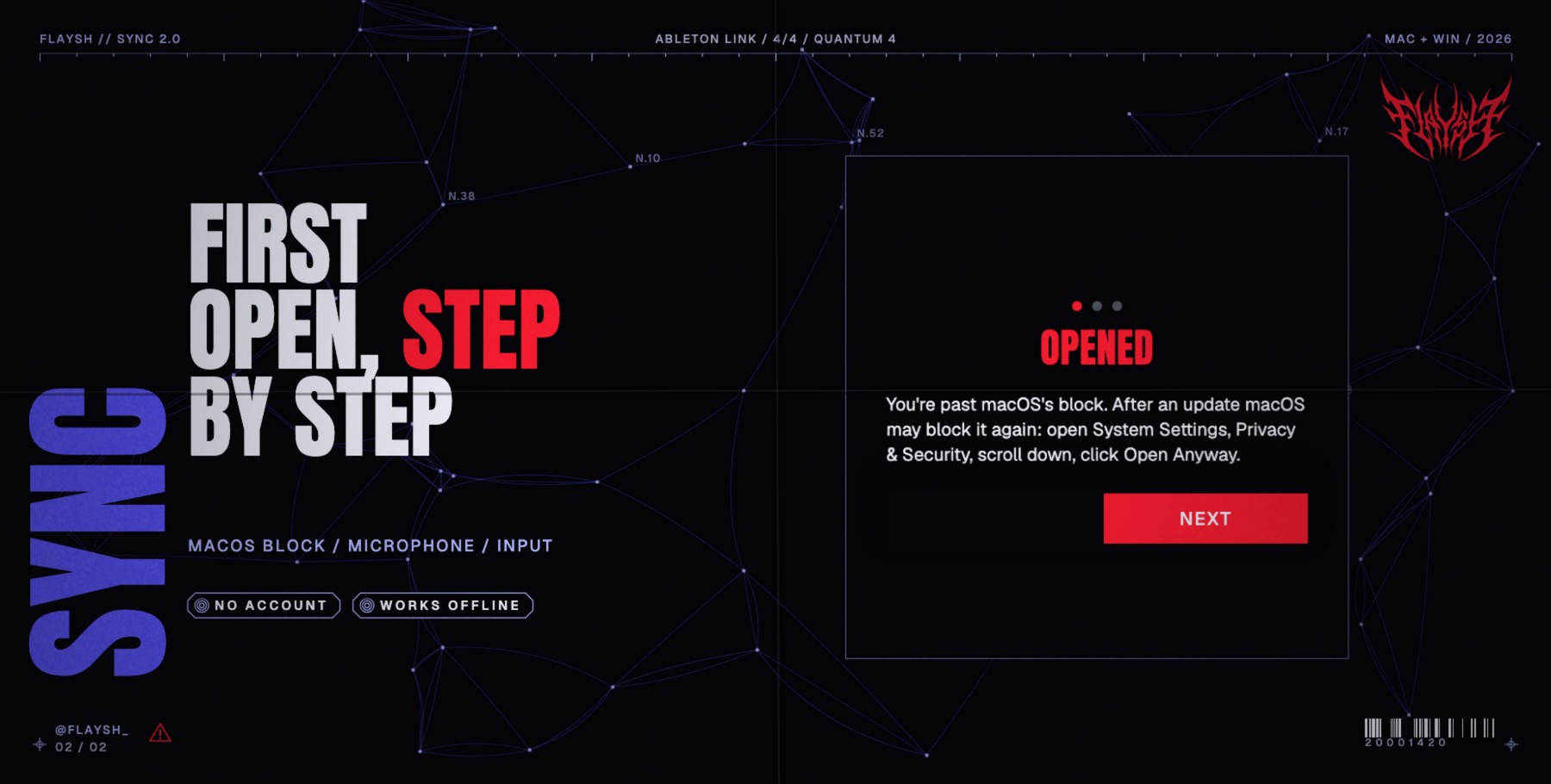
Mac The first time only: System Settings, Privacy & Security, Open Anyway.
Older Intel Mac? Download the Intel build. The main Mac button is for Apple silicon (M1 and newer).
Windows The first time only: More info, Run anyway.
Own FLAYSync 1.x? 2.0 is free for you. Your key is in your Gumroad library: paste it into the app.
Resolume starter
Ready in Arena
Link on
In Arena, View > Show Ableton Link, then click LINK so it lights up.
Sync on
Start FLAYSH Sync and pick your audio input. Once it locks, Arena's BPM and bar follow it.
Play
Open the starter (Composition > Open) and click a clip. Each one moves on the beat.
The small print
- macOS 12 or later (Apple silicon and Intel)
- Windows 10 and 11
- Works offline
- No account, no subscription
- Ready Resolume file included
- Pay once, every 2.x update included